
You can filter the Discovery grid to focus on a specific issue, customer, or device, such as every vehicle in the No VIN state.
Filtering the Grid
- Click Vehicle on the left sidebar menu, select Vehicle Manager, and click the Discovery tab.
- Use the filter controls above the grid to filter by any of the following:
- Customer
- Device Type
- Device ESN
- VIN
- Make
- Model
- VBUS Disabled Indicator
- Vehicle Discovery State
Filtering by Make and Model
The Make and Model filters let you choose from a list of supported values. Type in the field to narrow the list.
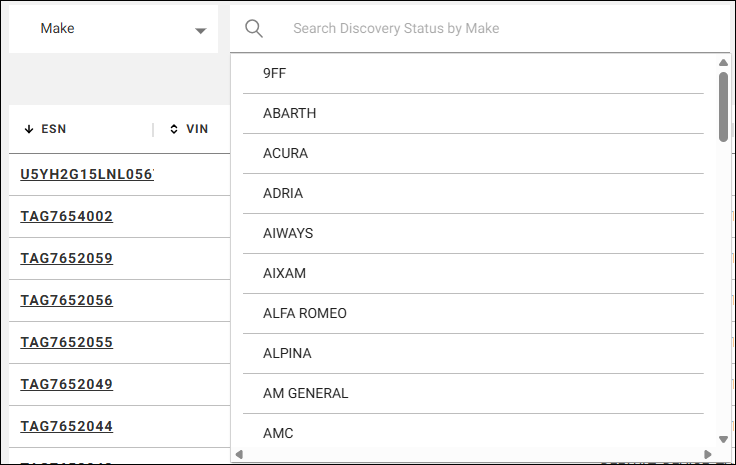
Note: Heavy-duty vehicle makes and models are not currently included in these lists.
Filtering from the Summary Cards
You can also click a summary card, such as Blocked Vehicles, to filter the grid to the vehicles it counts.
The summary cards and grid use the same account scope. Turn on View Subaccounts to include vehicles in your subaccounts.