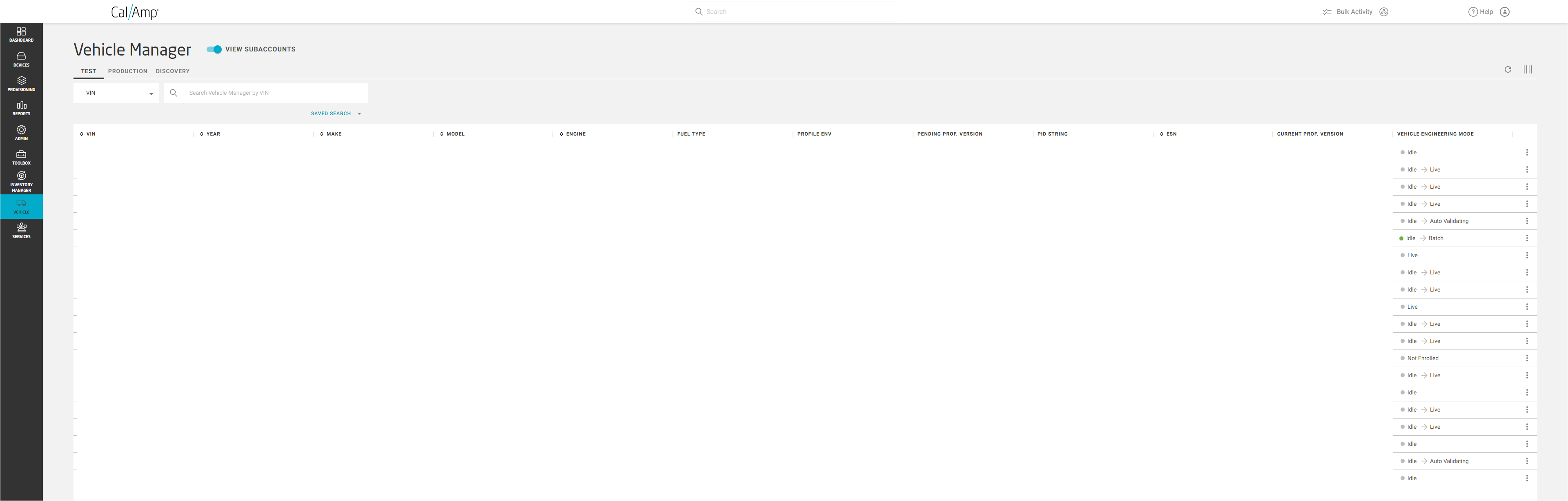
The Vehicle Manager (accessible by clicking Vehicle and Vehicle Manager on the flyout menu that appears) shows you which vehicles are in the Test and Production environments. It displays the vehicle VINs (vehicle identification numbers) in your account; other vehicle properties such as year/make/model, engine type, and fuel type; profile environment (such as Production); current profile version number; and pending profile version number (if any).
It includes three tabs, Test, Production, and Discovery which display data for vehicles in their respective environments.